
Open. Choose. Launch.
Your available macros together in a straightforward library. ReelPilot is included in the Hub.
Your Windows macro hub
Your macros. Your settings. One focused desktop home. Open Archangel, choose ReelPilot, and settle into your session.
Windows 10 / 11 · 64-bit Prefer the portable ZIP?
01 / Archangel Hub
Launch an available macro, adjust your preferences, and manage updates from the same familiar place.
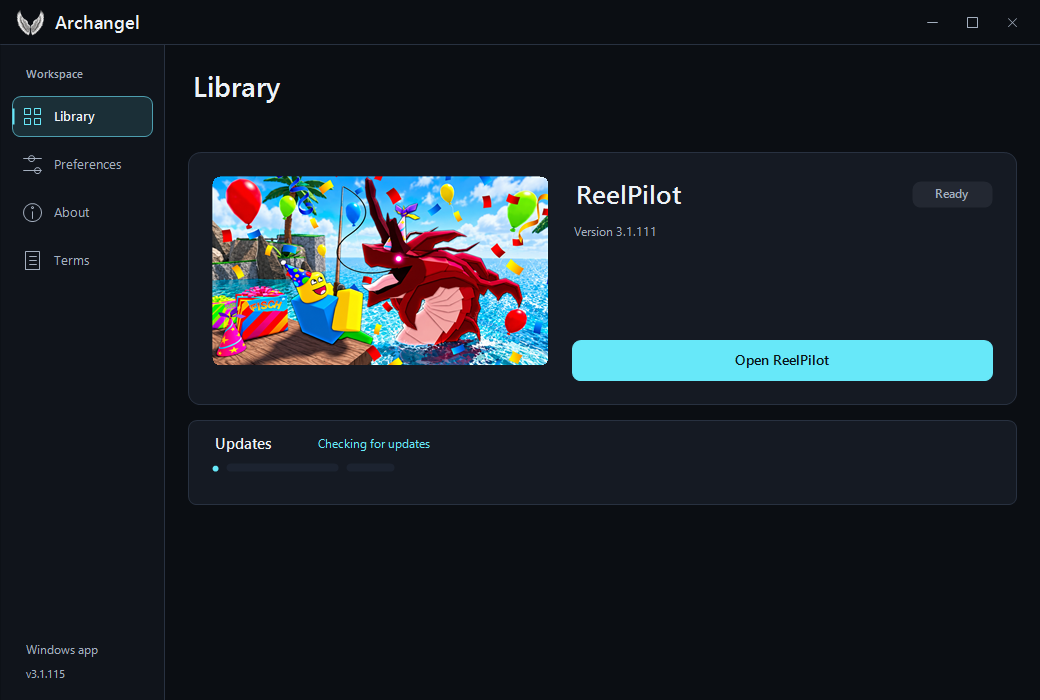
Your available macros together in a straightforward library. ReelPilot is included in the Hub.
Adjust preferences within the desktop apps and return to your setup for the next session.
When a release is available, the Hub lets you download it or keep using your current version.
02 / Included in your library
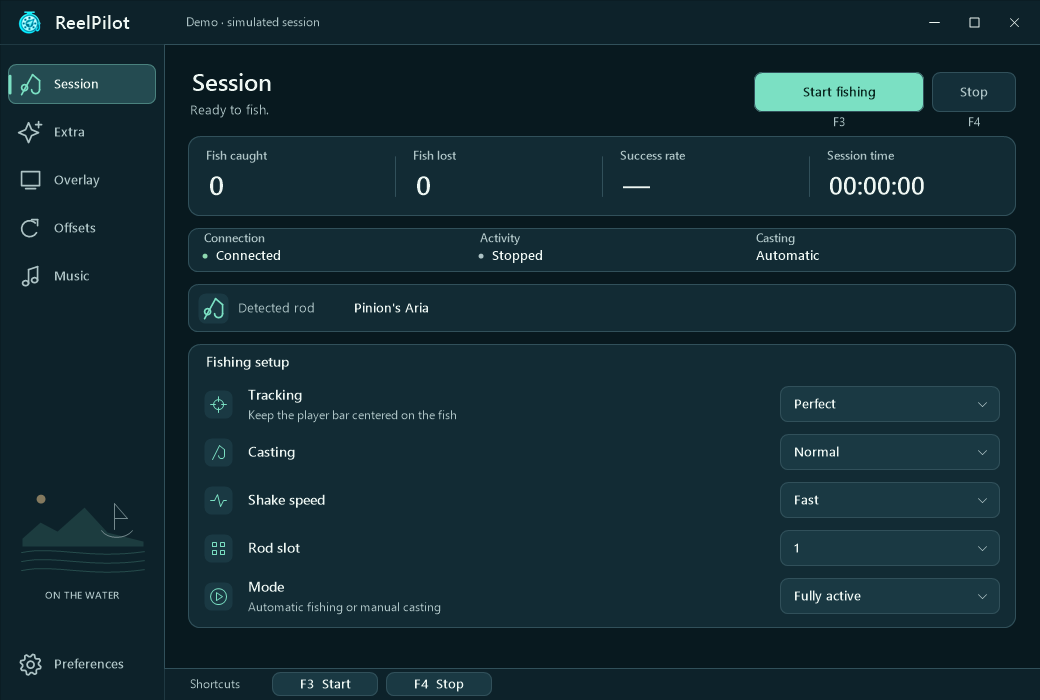
A focused fishing macro for Roblox. Set up your session in ReelPilot and keep its controls close at hand.
Get it through ArchangelCasting, shaking, and reeling in one application, with tracking settings you can adjust.
Check the current status and session counters in ReelPilot and its overlay.
Optional Auto Aquarium, Auto Totem for supported world conditions, and Stellarwave Melody constellation handling.
03 / Getting started
A single installer brings the Hub and its bundled ReelPilot application together.
Download the Windows installer and follow the setup steps. A portable ZIP is also available.
Use your desktop or Start menu shortcut, then choose ReelPilot from the library.
Open Roblox, review your ReelPilot settings, and keep your start and stop controls within reach.
Archangel is an external macro hub for Roblox on Windows. It keeps your available macros, preferences, and software updates in one desktop application. ReelPilot is bundled with the Hub.
The Hub checks for updates when it opens and every 15 minutes while running. When a newer version is available, choose Download or Later. Updates wait for the running macro to close before applying.
Archangel is built for 64-bit Windows 10 and Windows 11. Modified Windows installations still need the required Windows components. There is no macOS or mobile installer.
Yes. Download the portable ZIP, extract its contents, and open ArchangelHub.exe. Keep the included files together.
No. Archangel is independent software. Compatibility and automation results can change with game updates. Read the Terms of Service before using it.
Your next session starts here
Archangel Hub + ReelPilot for Windows.